Seiri Quickstart
Seiri monitors jobs and heartbeats with push check-ins.
Create a webhook, copy its ping URL, and ping Seiri when work finishes.
Choose the type: Periodic, Cron, or On-Demand.
For the full job-integration recipe (including AI-agent checklist), see Integrate a job.
1. Sign in to the Dashboard
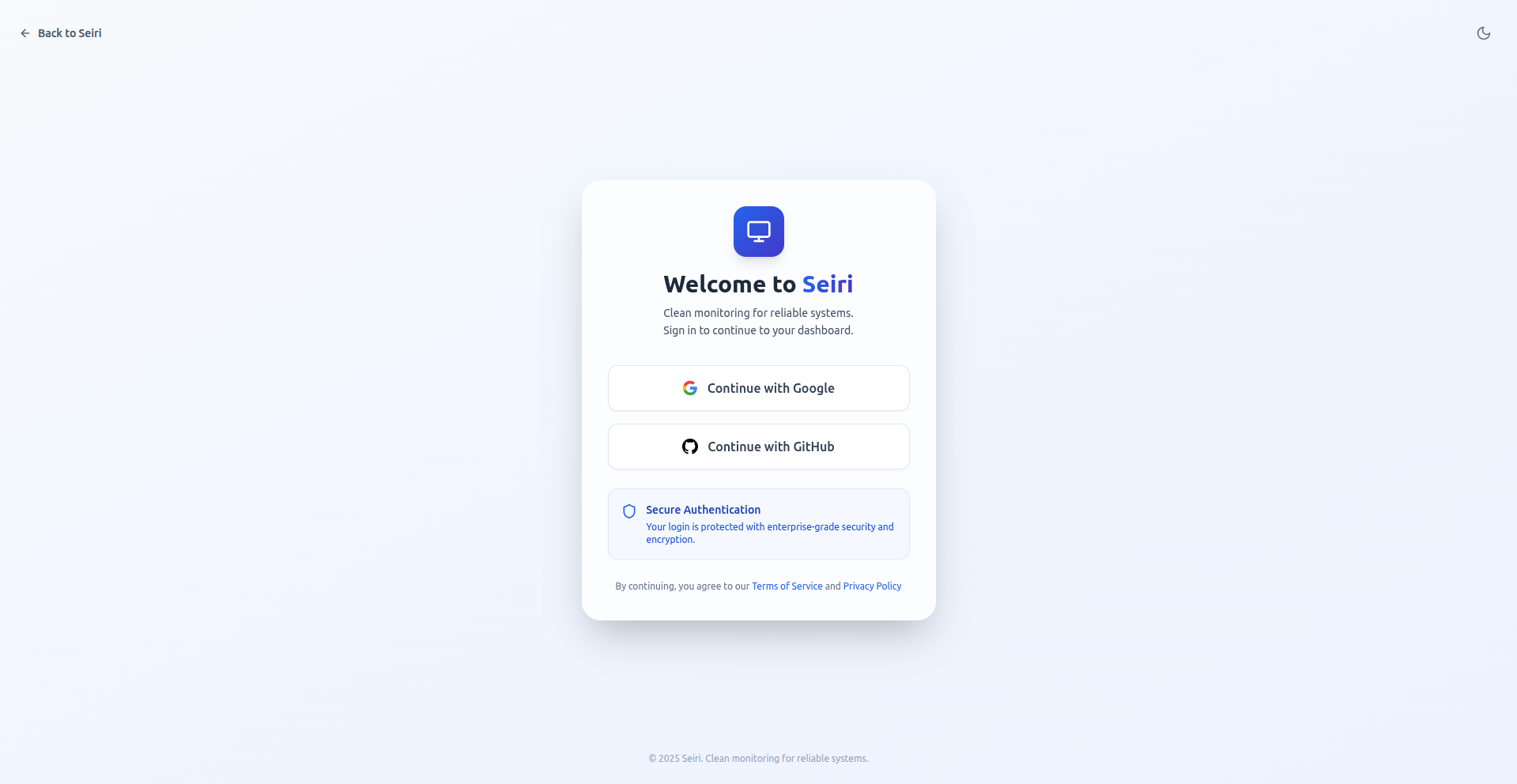
- Open cloud.seiri.app.
- Sign in with email, Google, GitHub, or a passkey.
2. Create a Webhook
-
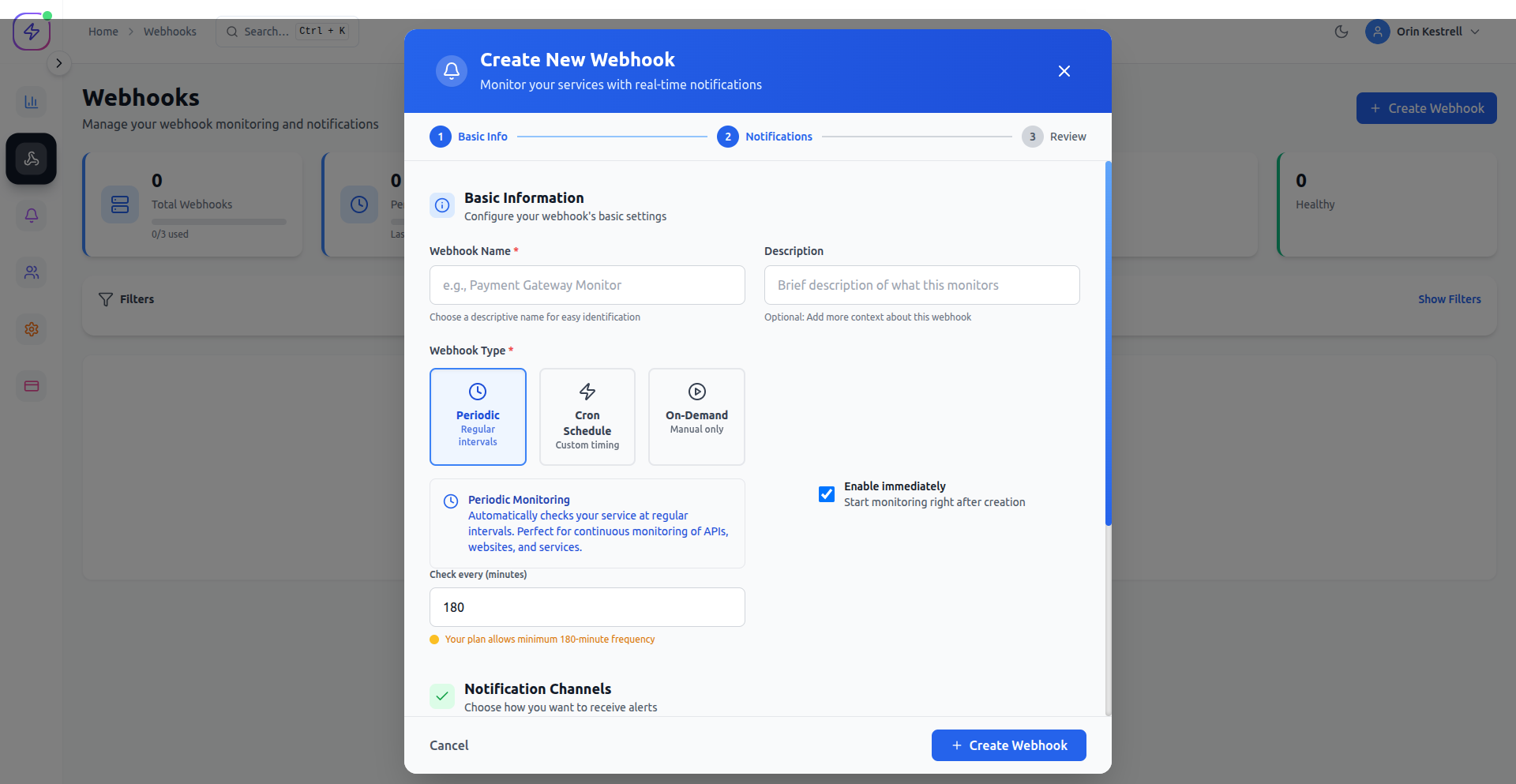
Navigate to Core → Webhooks → + Create Webhook.
-
Enter a descriptive name (e.g.
Nightly backup). -
Select the webhook type:
- Periodic — expect a ping every N seconds
- Cron — expect a ping on a cron schedule
- On-Demand — manual / event-driven only (no missed-run alerts)
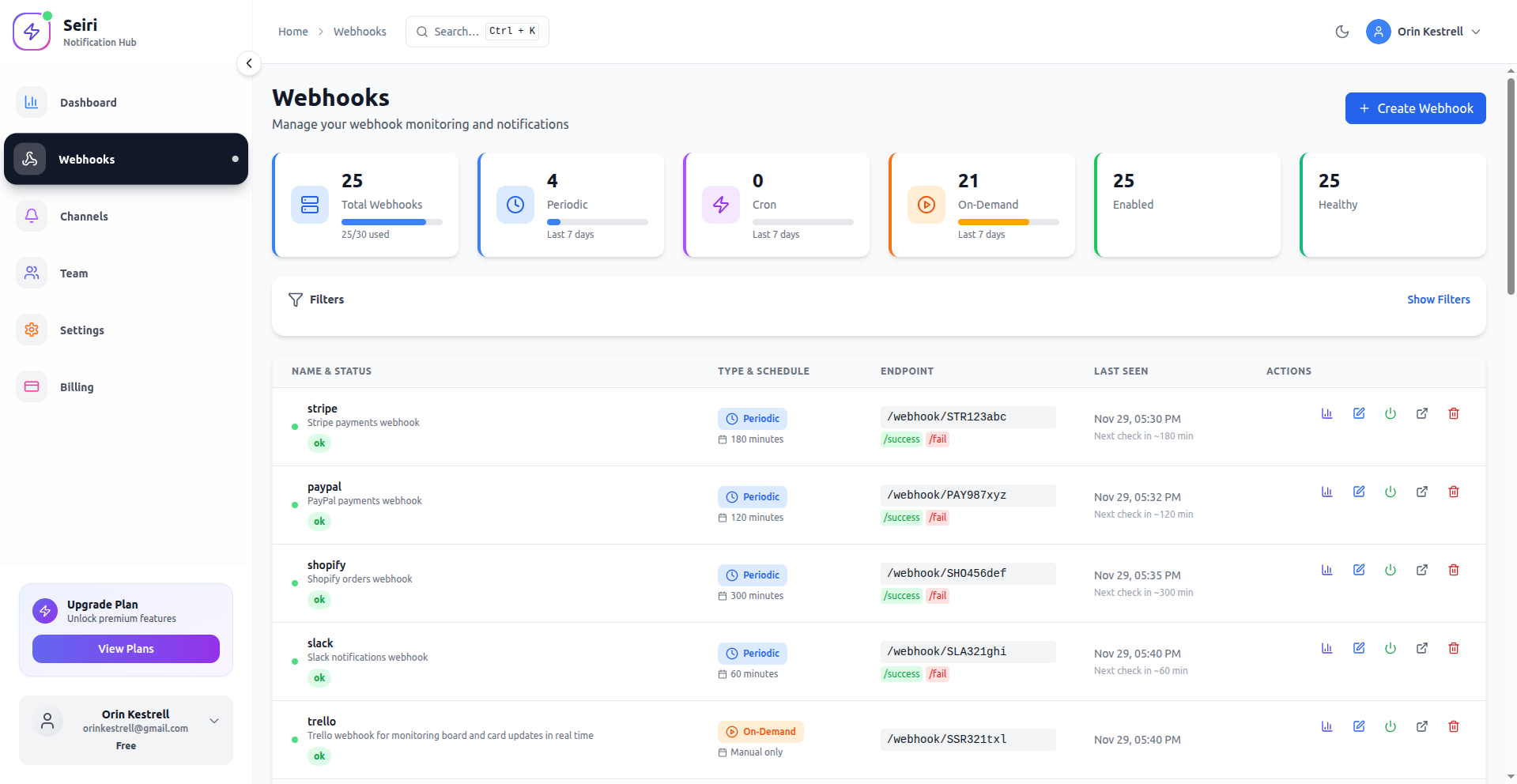
- Copy the endpoint URL from the ENDPOINT column (copy button).
The endpoint ID looks likeacme-demo:YOUR_REF.
3. Send your first ping
Heartbeats go to ping.seiri.app, not cloud.seiri.app.
curl -fsS -m 10 https://ping.seiri.app/webhook/acme-demo:YOUR_REF/success
Seiri logs every check-in. Use
/failwhen the job errors.
4. Monitor a cron job (optional)
const SEIRI_BASE = process.env.SEIRI_BASE_URL;
// https://ping.seiri.app/webhook/acme-demo:YOUR_REF

async function myJob() {
  // ... work ...
  await fetch(`${SEIRI_BASE}/success`);
}

myJob();
5. Inspect logs and stats
- From Core → Webhooks, open stats (bar-chart icon) or the webhook detail page.
- Or check the Dashboard for org-wide health.
- For cron schedules, also open Services → Cron Jobs.
6. Set up alerts
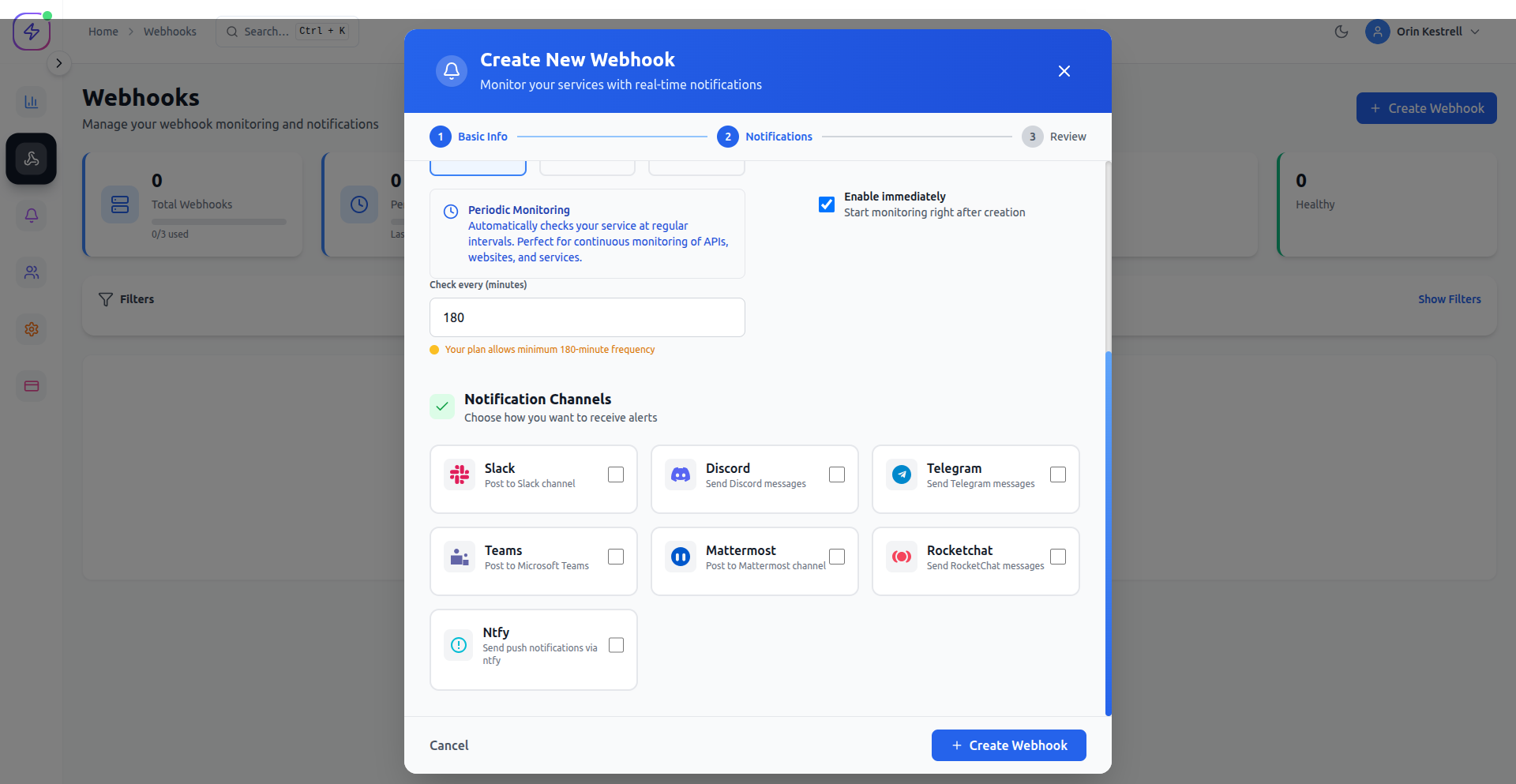
- When creating or editing a webhook, attach channels.
- Supported: Email, Slack, Discord, Teams, Telegram, Ntfy, Webhook, and more.
Next steps
- Integrate a job — canonical recipe for scripts and AI agents
- Ping API — ingest routes
- Email heartbeats — when HTTP outbound is blocked
- Cron monitoring — schedules and drift
- Status pages · SLA & Uptime · Kubernetes
- CLI · Terraform · Management API