Status Pages Overview
Status pages show customers and teammates the health of the services you monitor in Seiri.
Where it lives
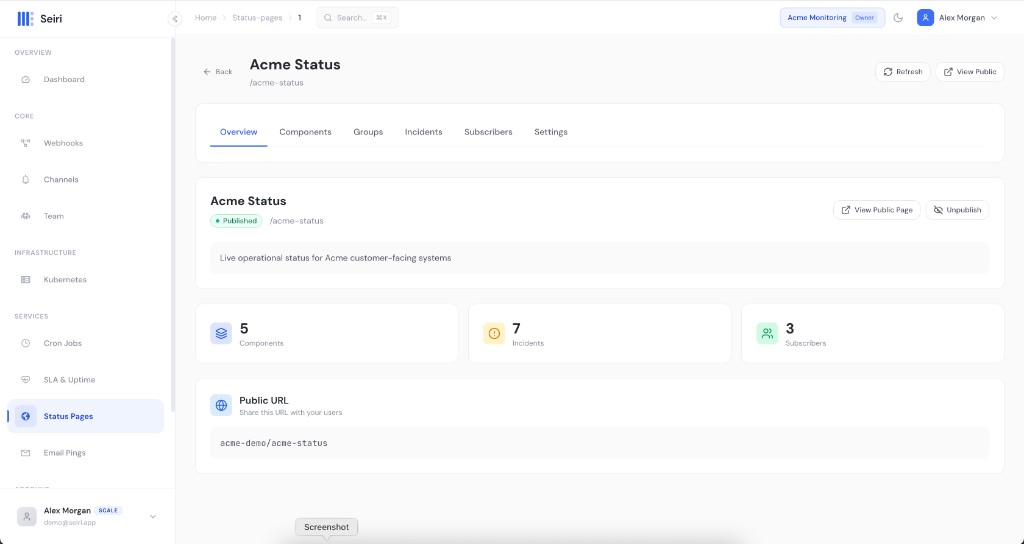
Services → Status Pages → create or open a page.
Tabs:
| Tab | Purpose |
|---|---|
| Overview | Publish / unpublish, public URL |
| Components | Services shown on the page (optionally linked to a webhook) |
| Groups | Organize components |
| Incidents | Manual or auto-linked incidents |
| Subscribers | Email subscribers |
| Settings | Slug, branding, custom domain, auto-incidents, access |
How status pages relate to webhooks
- Link a component to a webhook so status can update from check-in health.
- Enable auto-incidents in settings so webhook misses/failures can open incidents.
- Incidents can also be created manually.
Public URL
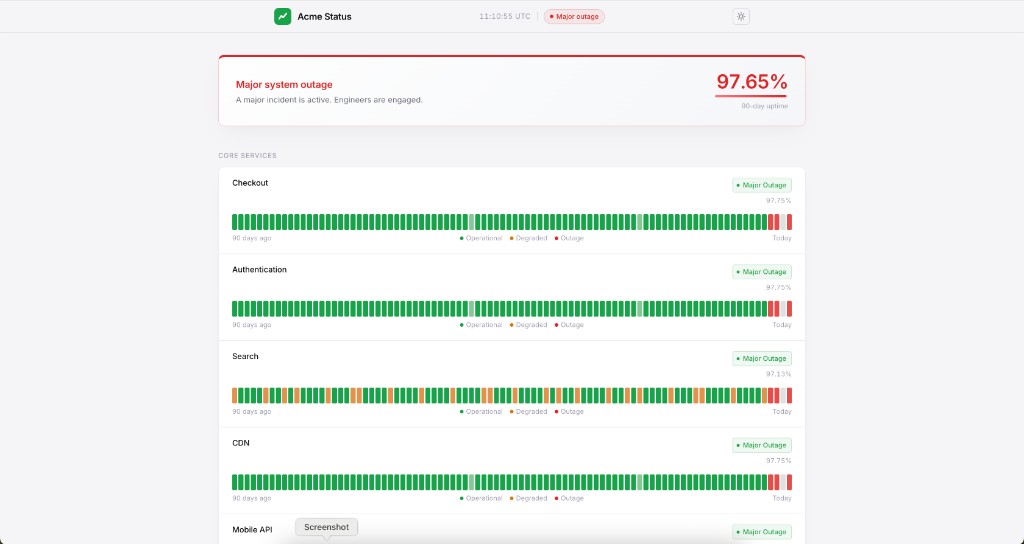
Published pages are served on the status host, for example:
https://status.seiri.app/status/{org-slug}/{page-slug}
From the dashboard, use View Public on the page overview.
See Quickstart.