Billing
Seiri uses Stripe to securely manage subscription plans and payments. All billing actions are performed through your Seiri dashboard, and no payment information is stored on Seiri servers.
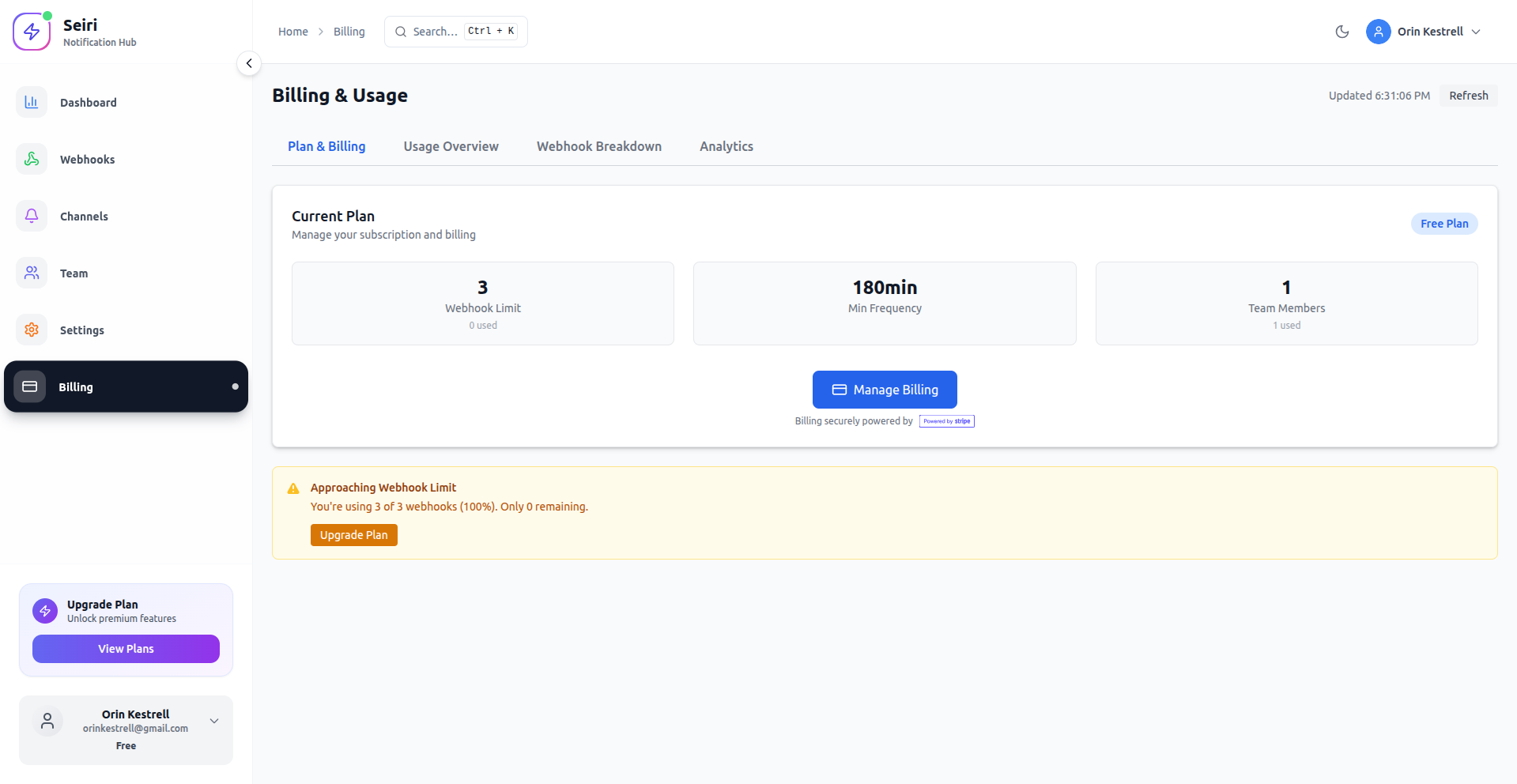
Billing Features
-
Current Plan Overview
View your active subscription, plan limits, and status. -
Upgrade or Downgrade Plans
Change your subscription at any time using Stripe’s secure checkout. -
Usage Tracking
Monitor your consumption across:- Events
- Webhooks
- Team members
-
Stripe-Hosted Invoices
Invoices and payment history are managed directly by Stripe.
Billing Page Tabs
The Billing page includes the following sections:
Plan & Billing Overview
Summary of your current plan, billing status, and plan limits.
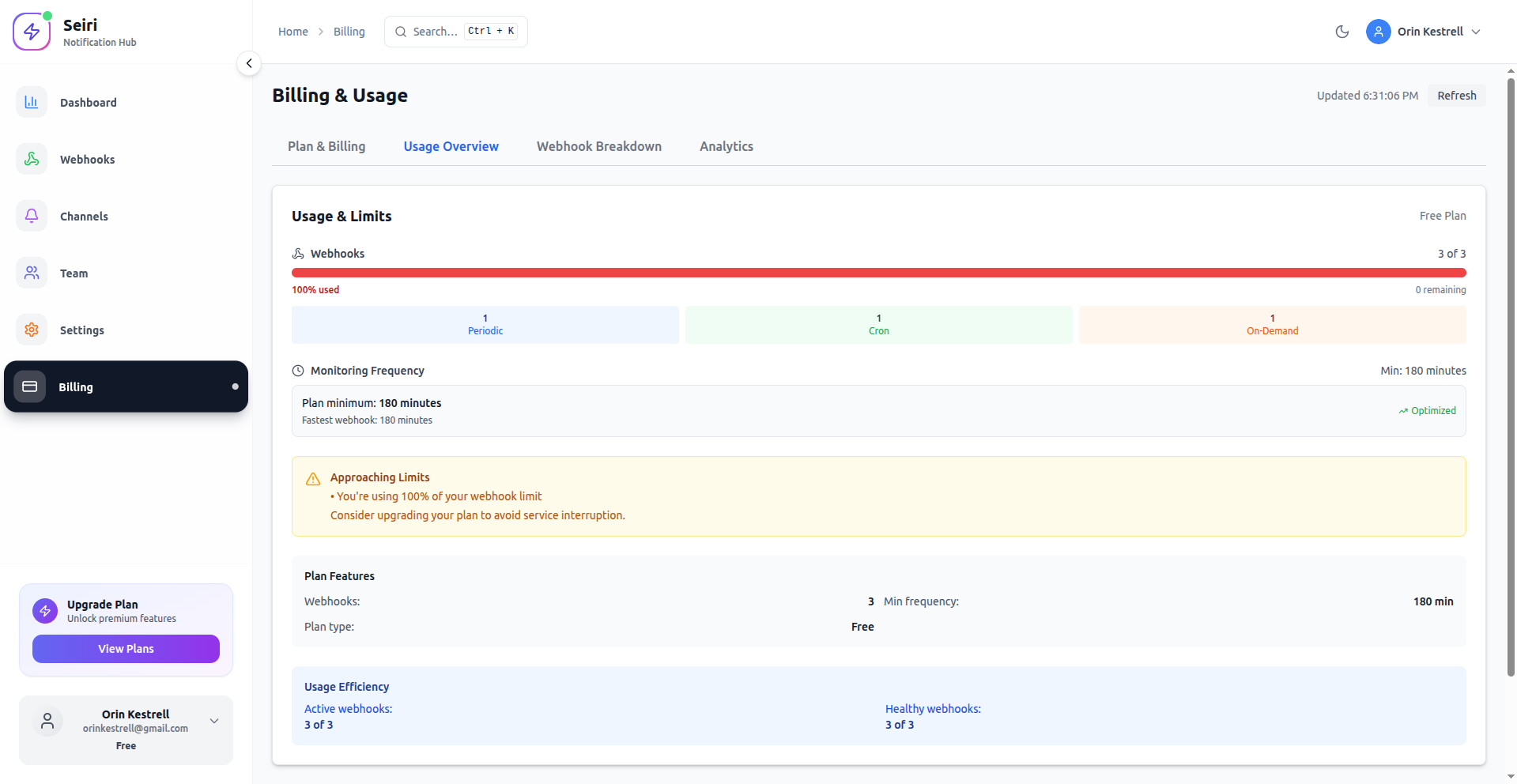
Usage Overview
High-level usage metrics compared to your plan limits.
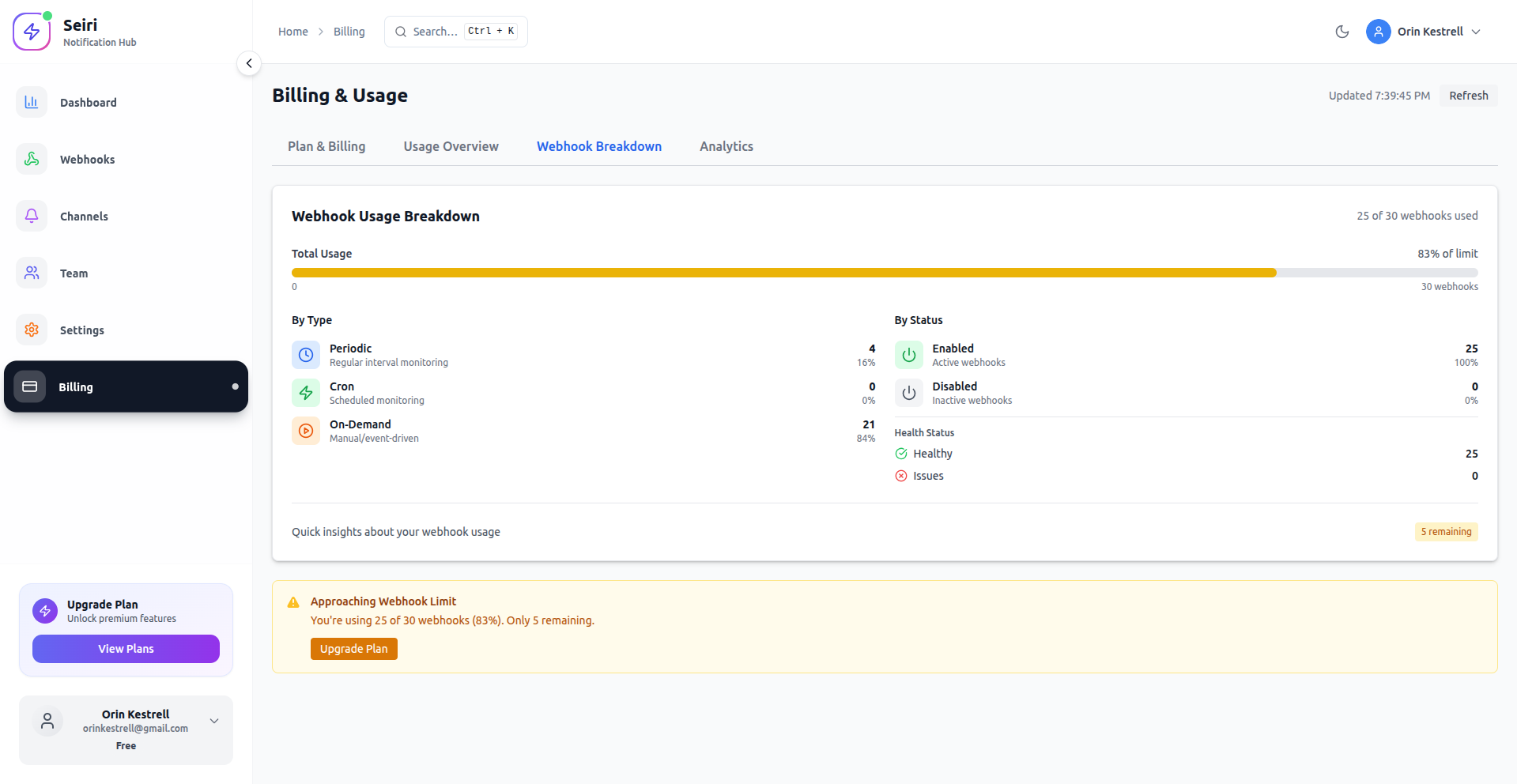
Webhook Breakdown
Detailed statistics for webhook usage and delivery activity.
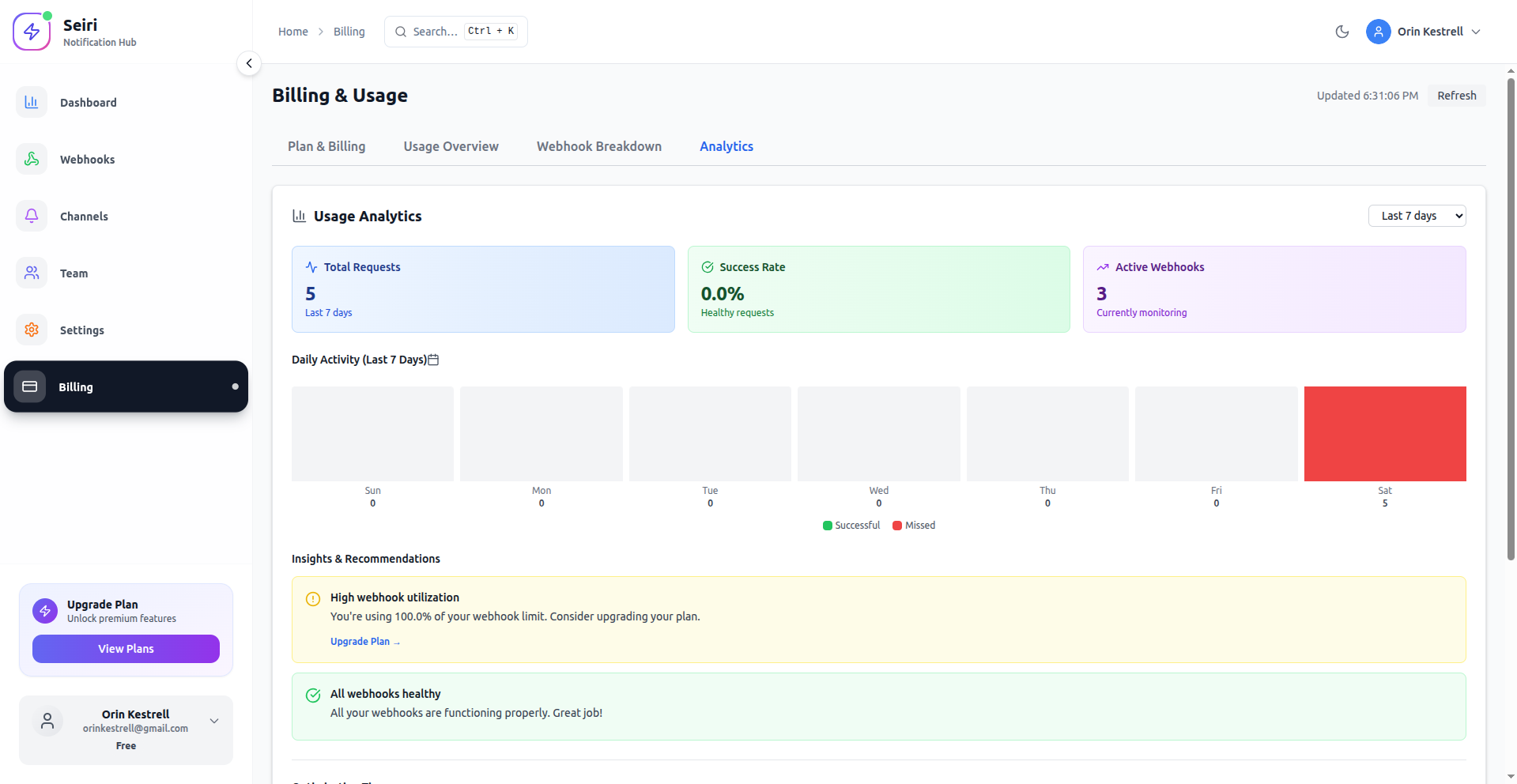
Analytics
Insights into event activity and platform usage trends.
ℹ️ Note: The Invoices tab is not available inside Seiri yet.
All invoices and payment history are accessible through the Stripe customer portal.
Managing Your Plan
- Navigate to Dashboard → Billing.
- Review your current plan and usage statistics.
- To change your plan:
- Click Manage Billing
- You will be redirected to Stripe
- Select a new plan and confirm
- To view invoices or payment history:
- Use the Stripe customer portal opened from the billing flow.
Permissions & Access
- Only Admin users can:
- Manage subscriptions
- Access billing settings
- Open the Stripe billing portal
Best Practices
- Monitor usage regularly to avoid hitting plan limits.
- Upgrade proactively if your webhook or event volume is growing.
- Review Stripe invoices periodically for accounting and compliance.
Tip: Keeping an eye on webhook and event usage helps you choose the most cost-effective plan before limits are reached.