Authentication
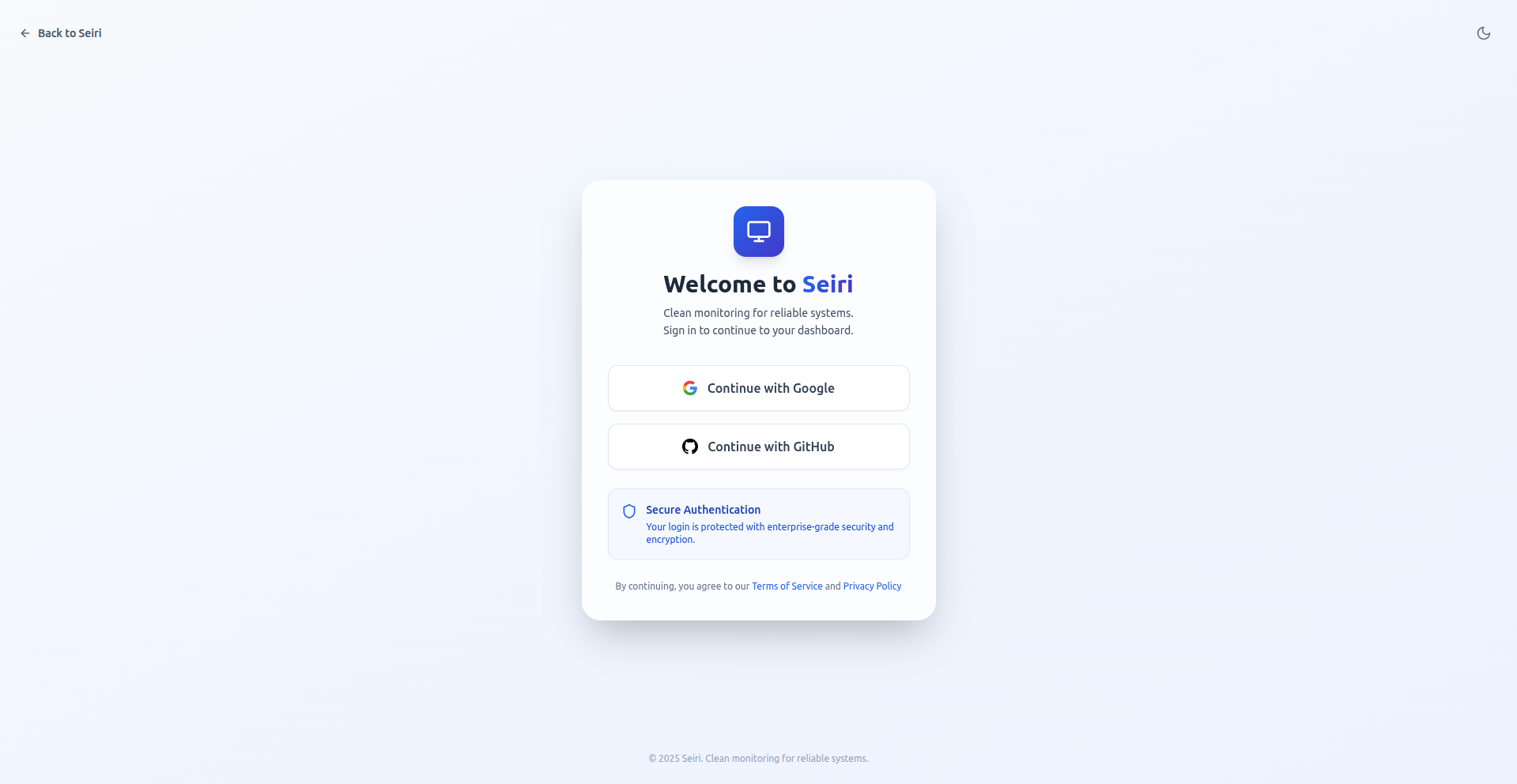
Seiri uses Single Sign-On (SSO) via OAuth providers:
- GitHub
How to Log In
- Go to the Seiri login page.
- Click Sign in with Google or Sign in with GitHub.
- Authorize Seiri to access your account.
- You are redirected to the dashboard.
Best Practices
- Use a team or company email to ensure proper access.
- Enable 2FA on your Google/GitHub account for added security.
- Always log out when using shared devices.
Tip: SSO provides seamless and secure access for your team without password management.